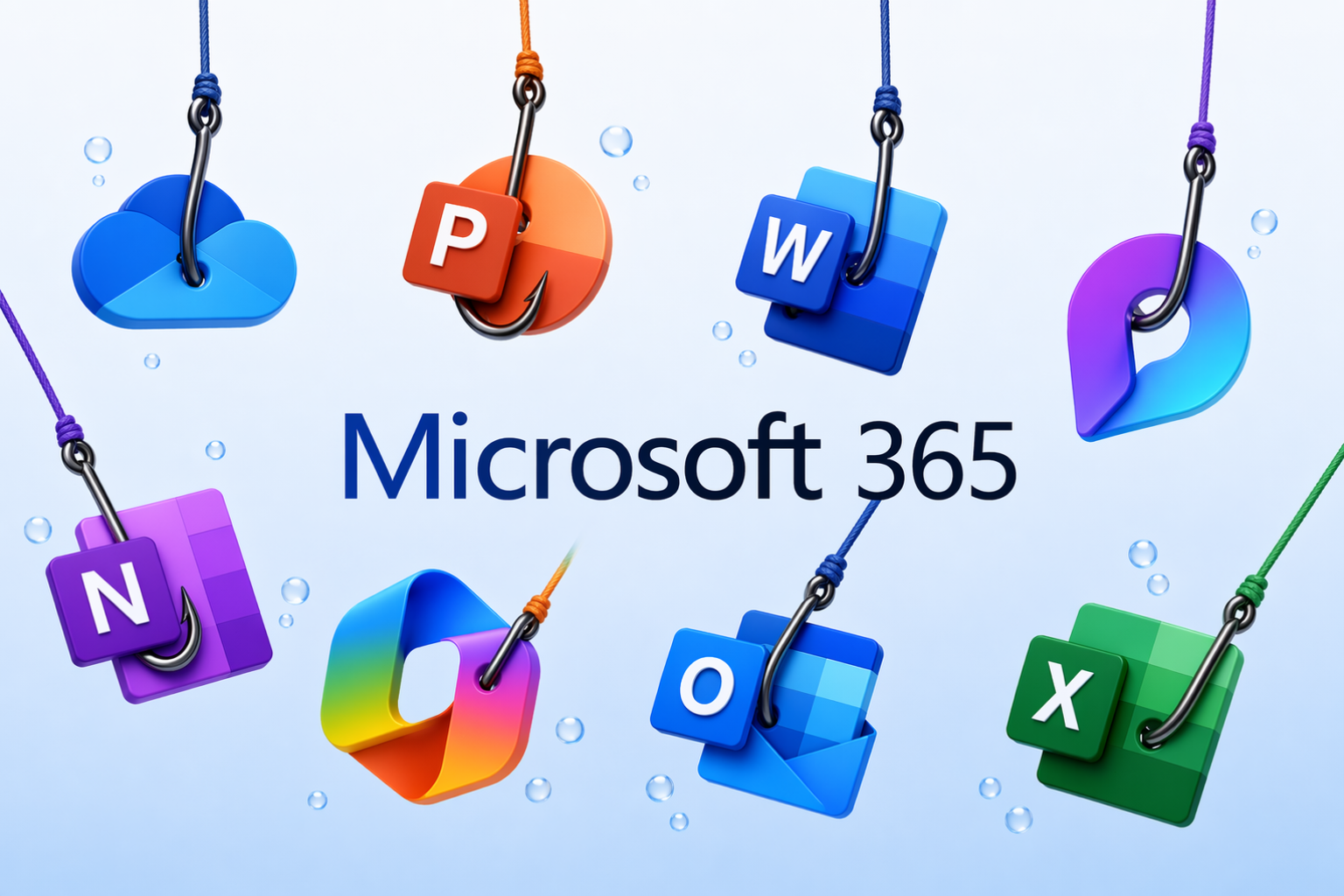
On 21st May 2026, the Federal Bureau of Investigation (FBI) issued a Public Service Announcement (PSA) regarding a new Phishing-as-a-Service (PhaaS) platform – known as Kali365. First identified in April 2026, Kali365 has primarily been distributed amongst threat actors via Telegram. Unlike traditional phishing kits, that focus on password harvesting, this platform allows even low-skilled threat actors to steal Microsoft 365 access tokens.
This is significant, because a stolen session token can allow threat actors to bypass both password-based authentication and multi-factor authentication (MFA), granting persistent access to end-users Microsoft 365 accounts without ever needing their password.
As this is a Phishing-as-a-Service platform, very little technical skill is required from the threat actor. They simply pay a monthly subscription, configure their campaigns and wait to catch a victim
THE ATTACK CHAIN
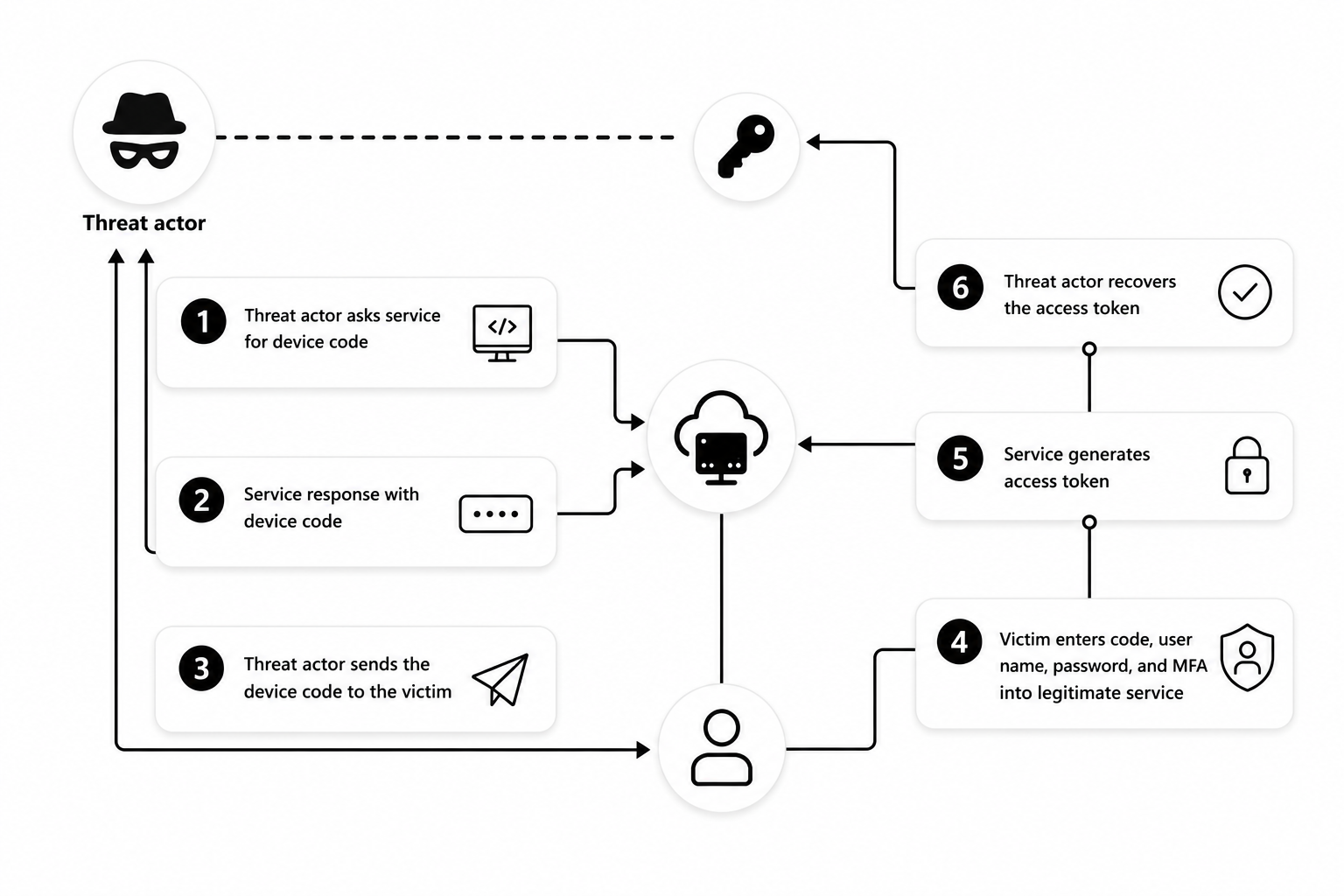
In the PSA from the FBI, they outline how the attack works and break it down into four steps.
-
THE LURE
A phishing email is sent impersonating a trusted service such as Microsoft OneDrive or Adobe Acrobat Sign containing a device code. Clicking the link within the email redirects the end user to a legitimate microsoft.com website for authentication
-
AUTHORISATION
The end user enters the supplied device code and authenticates using their Microsoft 365 credentials and MFA token, on the legitimate microsoft.com verification page. Unknowingly granting the attacker access to their account.
-
TOKEN THEFT
The threat actor captures the OAuth and refresh tokens, bypassing the need for a password or MFA and gaining full authenticated access to the end users Microsoft 365 account.
-
PERSISTENCE
The threat actor then maintains their access, can read emails, teams chats, access files, use SSO applications and may send further phishing emails or other members of staff or the supply chain
What makes this attach chain particularly concerning, is that it goes against much of what human risk management and user awareness training teaches us to look out for. The Microsoft 365 login page is legitimate, the URL is genuine, and there are no spoofing techniques such as lookalike domains or Cyrillic characters. Even copying and pasting the URL into a text editor, will continue to show the legitimate microsoft.com domain
Shown below is an illustration demonstrating the attack chain of Kali365.
HOW TO PROTECT YOURSELF
CONDITIONAL ACCESS
If you have Microsoft 365 Business Premium license or above, implement a Conditional Access policy to block device code flows for all users and create exceptions where there is a legitimate business requirement
REVIEW & AUDIT
When was the last time you conducted an audit of your Microsoft 365 environment? Regularly audit device code flows and authentications and ensure they are being used for legitimate business purposes.
MANAGED DETECTION & RESPONSE
Is your Microsoft 365 environment being monitored 24x7x365 for suspicious activity? If not, consider looking at WatchGuard MDR via Central IT Solutions Ltd. The Security Operations Centre (SOC) monitors telemetry, audit logs and alerts all year round with the ability to rapidly isolate accounts in the event of a breach. This is your last line of defence.
STAFF TRAINING
It is often said, that staff are not your weakest link, they’re the least invested in. We recommend ensuring that your staff are up to date with the latest trends in cyber attacks and to protect themselves from phishing campaigns and practice good cyber hygiene. If you’re not expecting a OneDrive link or Adobe Acrobat Sign link, don’t click it – verify it.
Don’t wait for your business to be the next victim of a cyberattack before implementing the correct controls. Speak to Central IT Solutions Ltd and we can offer a security audit to identify potentially gaps in your infrastructure before the threat actors do